
IRVA German Online
Conference 2026
Managing language preferences in Zoom
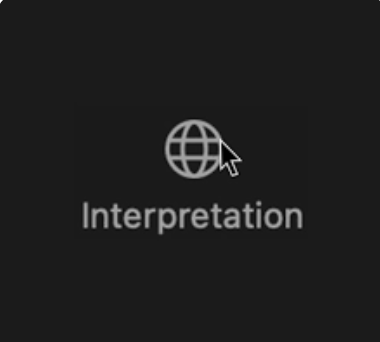
For attendees who do not speak the default language of the main room, look for the "Interpretation" option in the selection bar with the Globe Icon as shown below.
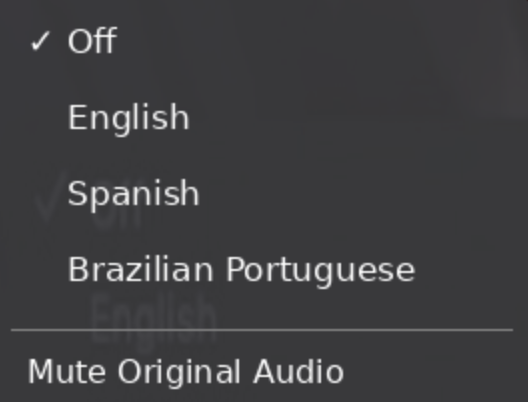
Then, select your preferred language. Check the option to mute the original audio if you wish to listen to the interpretation without the original in the background. This will improve your listening experience.
Important: if you don't see the "Interpretation" icon please click on the 3 dots "..." in the menu bar at the bottom to allow the "interpretation" option to be selected. This may happen if your window is smaller and extra options are not viewable by default.
Here are 2 videos showing how to select interpretation languages in case you like to see it visually.